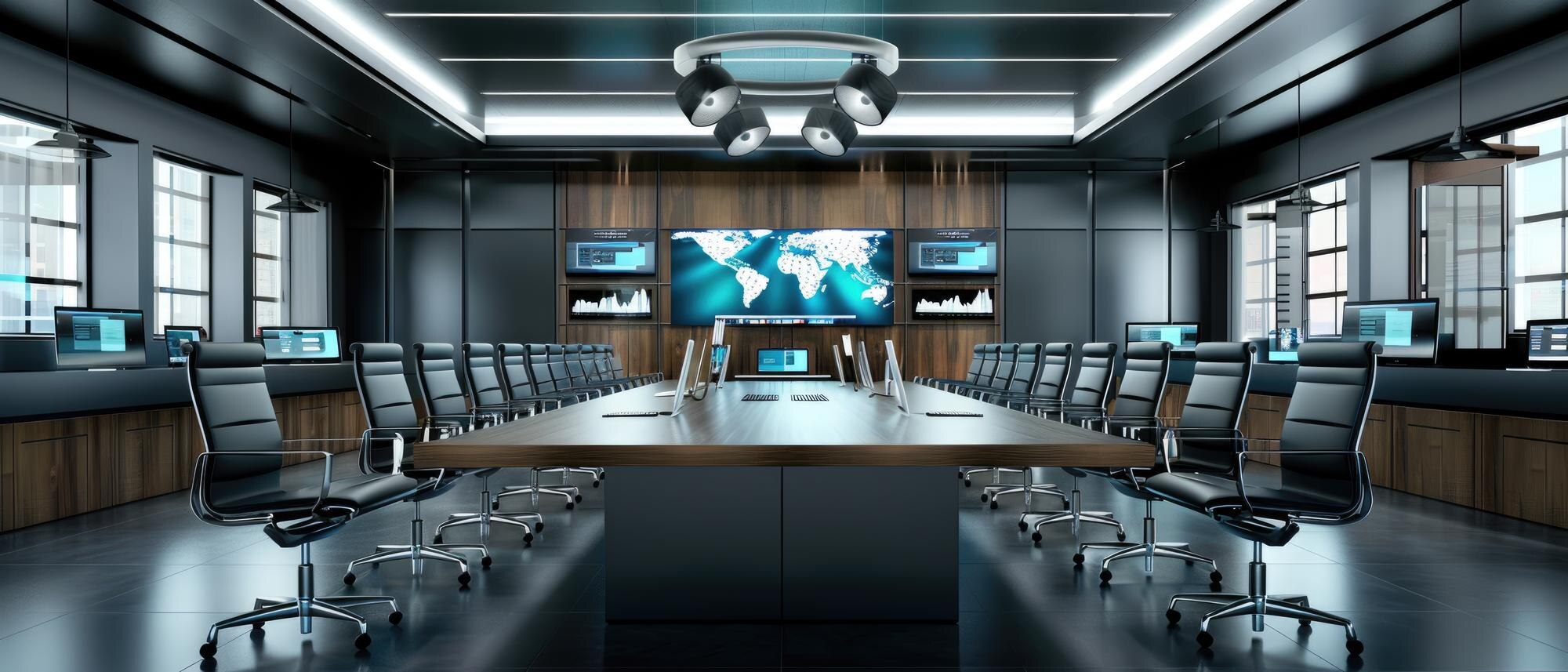
Setting up a corporate AV system can feel like a daunting task, but it doesn’t have to be. With Daytona Sound and Lighting Solutions by your side, you’ll transform your conference room AV setup into a seamless experience. Imagine crisp sound and flawless visuals in every meeting or event. Our step-by-step guide will walk you through the entire process, ensuring you get the most out of your audio-visual solutions. Ready to take the leap? Contact Daytona Sound and Lighting Solutions today for your free consultation! [https://audiovisual.hashnode.dev/step-by-step-guide-to-creating-av-system-schematics-like-a-pro]
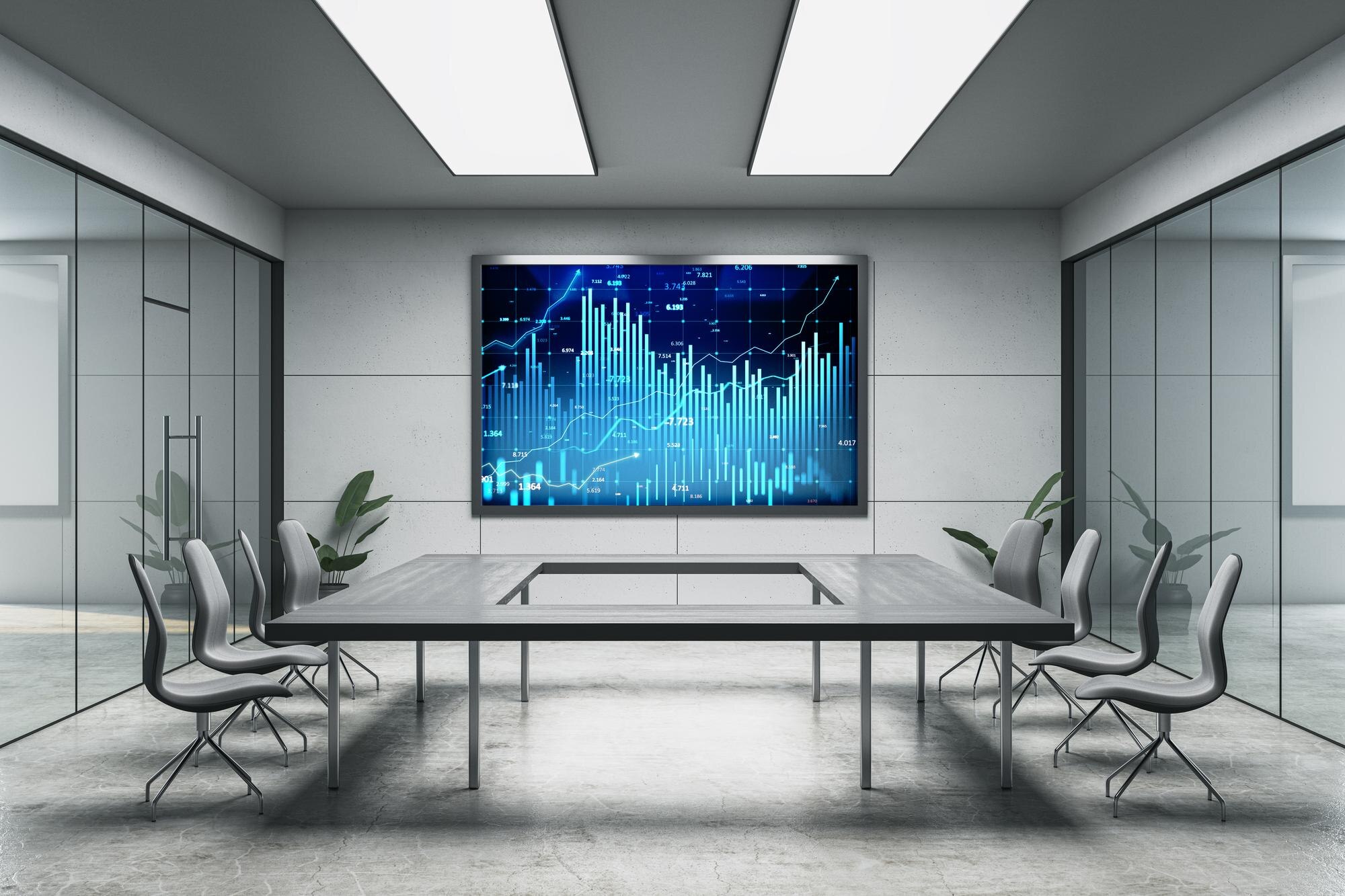
Every great corporate AV system starts with understanding your needs and choosing the right equipment. This section will guide you through assessing your space and selecting the best gear to meet your specific requirements.
Assessing your space is crucial when setting up a corporate AV system. Begin by measuring the room dimensions to ensure the equipment fits and functions optimally. Consider the room’s acoustics; hard surfaces can cause echoes, so adding soft furnishings might be necessary.
Identify the primary use of the space. Will it be for large presentations, small meetings, or video conferencing? The intended use will dictate the type of audio-visual solutions required.
Next, evaluate the lighting conditions. Natural and artificial light can impact display quality. Adjust lighting to prevent glare and enhance visibility.
For more detailed guidance, check out this beginner’s guide to setting up an AV system.
Selecting the right equipment is essential for effective AV setups. Start by listing the features you need, such as projectors, speakers, microphones, and video conferencing tools.
Consider compatibility with existing systems. Ensure new components work seamlessly with current technology. Also, check for ease of use; intuitive equipment saves time and reduces the learning curve.
Budget is important. Balance cost with quality. It’s wise to invest in reliable brands known for durability and performance. Seek advice from professionals to avoid overspending on unnecessary features.
Visit this guide for insights into choosing the best equipment for your needs.
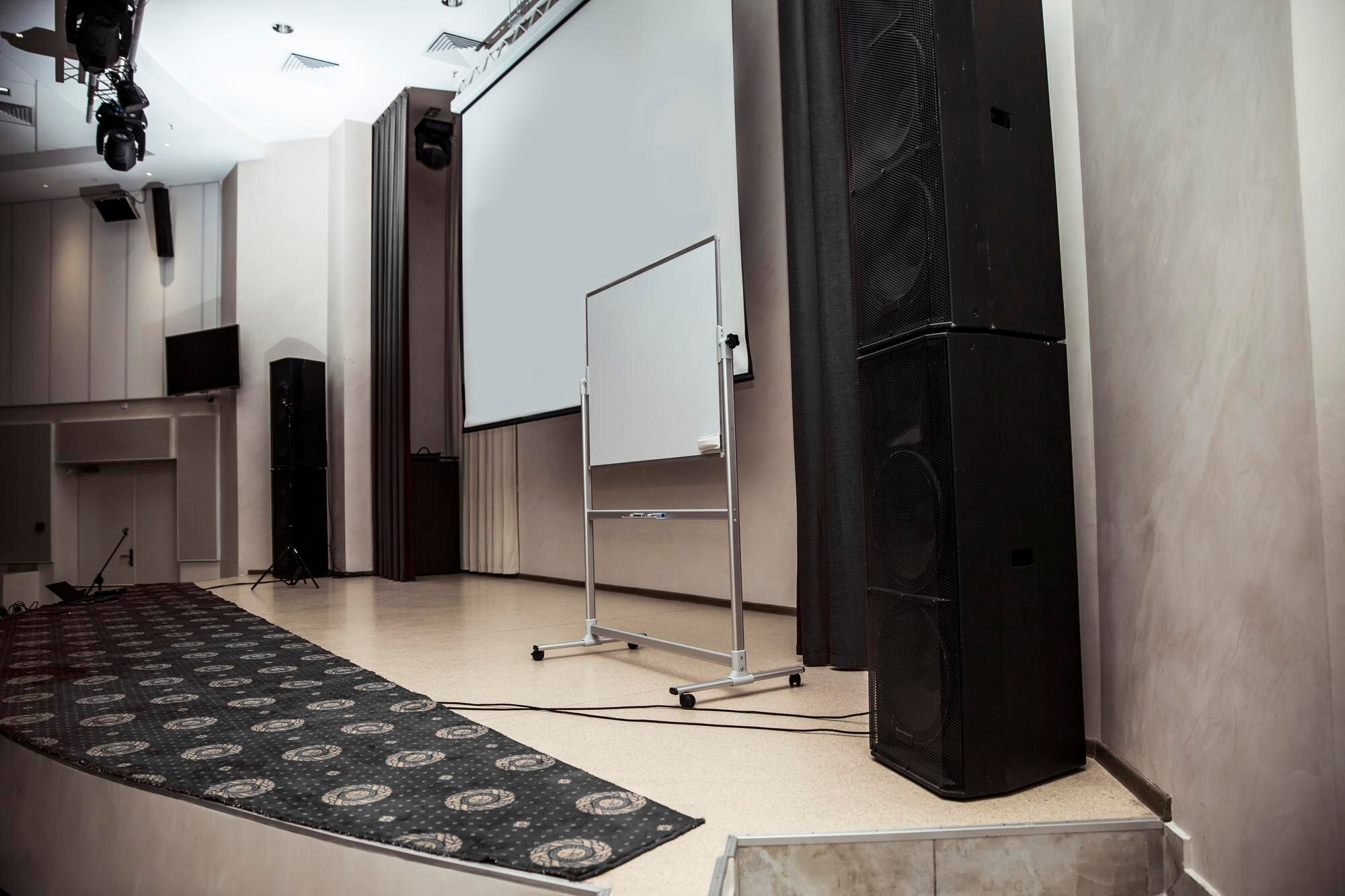
With the perfect plan and equipment, it’s time to set up. This section provides an overview of installation, from step-by-step setup to testing and troubleshooting.
Setting up your AV system involves several key steps:
Position the Equipment: Arrange the projector or screen centrally for optimal viewing. Place speakers evenly around the room for balanced sound.
Connect Devices: Use quality cables to connect all components. Ensure secure connections to prevent signal loss.
Configure Settings: Adjust audio and video settings to match the room’s needs. Fine-tune volume levels and display brightness for the best experience.
Testing each connection is crucial. This ensures everything functions as expected before full operation. For more detailed instructions, refer to this comprehensive guide.
After setup, testing is vital. Start by powering on all devices and checking each function. Verify that visuals are clear and audio is crisp.
Should issues arise, troubleshooting is your next step. Common problems include disconnected cables or incorrect settings. Re-check all connections and adjust settings if needed.
A systematic approach helps resolve issues efficiently. Create a checklist for quick reference during future troubleshooting.
For professional support, you can explore this installation and troubleshooting resource.
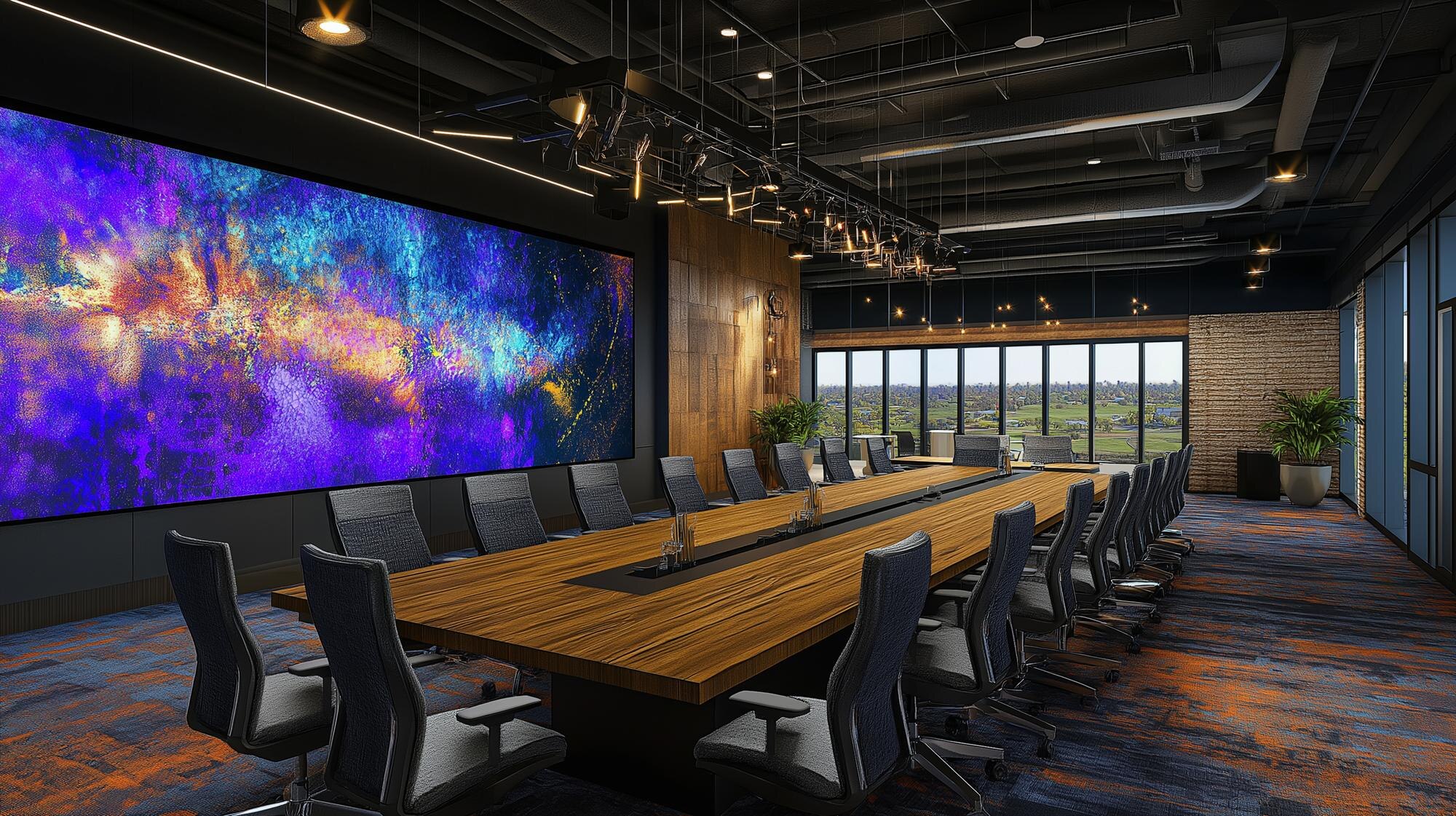
Once your system is operational, it’s important to maintain and enhance it for long-term use. This section provides tips to maximize your system’s potential and deliver outstanding experiences.
Regular maintenance ensures your AV system remains in top condition. Clean equipment surfaces to prevent dust buildup, which can affect performance.
Check connections periodically. Loose cables can cause disruptions. Tighten and replace them as necessary.
Software updates are crucial. Keep firmware up-to-date to improve functionality and security.
Preventive care minimizes the risk of future issues, ensuring consistent performance.
Enhancing your AV system can significantly impact user experience. Consider integrating interactive technologies like smart boards to engage participants.
Optimize sound and visuals by experimenting with different settings. Test audio levels and visual clarity to find the perfect balance.
For inspiration, consult this expert guide on enhancing AV setups for events.
Actionable Tips:
Use high-quality cables for better signal transmission.
Regularly schedule professional check-ups.
Engage users with interactive elements.
With these strategies, your corporate AV setup will provide superior audio-visual experiences. 😊